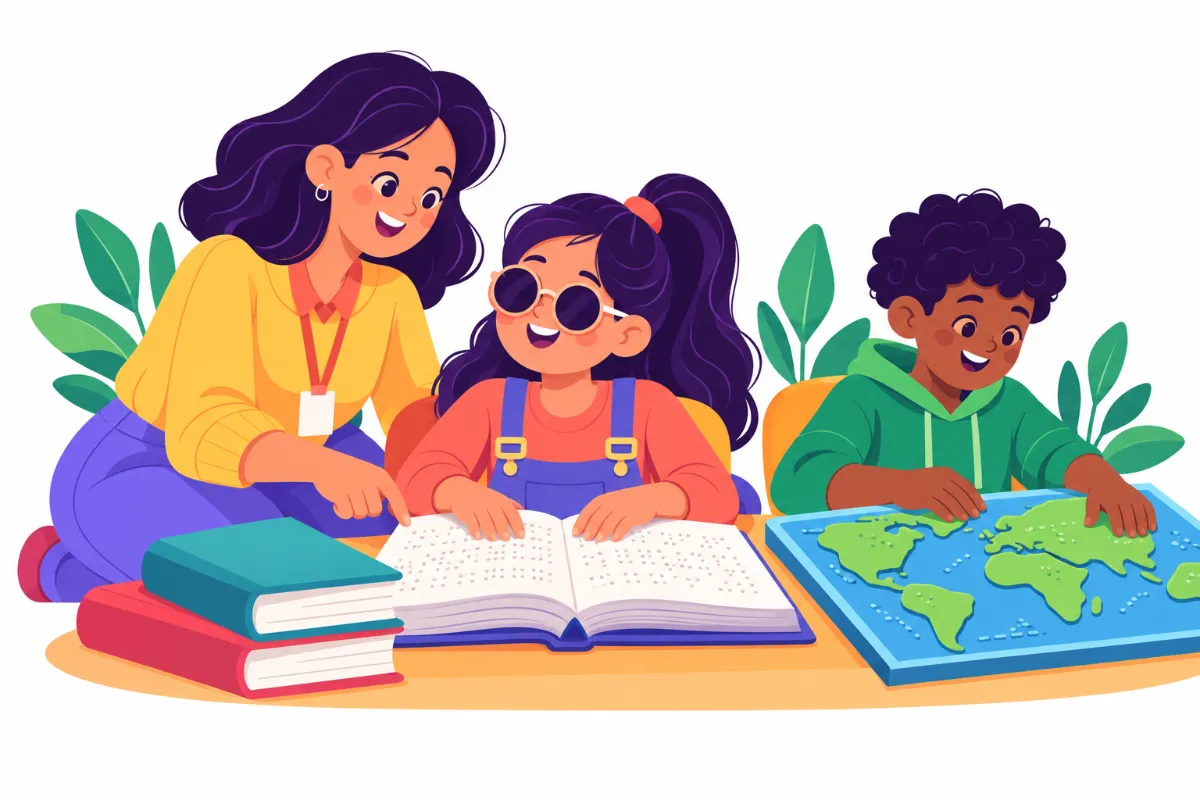

Teaching students with visual impairments does not mean creating a separate curriculum. A blind or low vision student can access the same lesson as classmates. They simply need it in a different format.
With a few planning habits and strong teamwork, general and special education teachers can make most lessons accessible. This guide shares practical steps you can start using right away.
Understanding Visual Impairment
Visual impairment covers a wide range. Some students are totally blind, while others have low vision and use magnification or large print. Many fall somewhere in between.
Because every student’s vision is different, there is no single solution. Therefore, learn how each student uses their vision, which formats they read, and which tools they prefer. The student’s IEP and the Teacher of Students with Visual Impairments (TVI) are your best sources.
Build a Strong Team
No teacher does this alone. Students with visual impairments usually have a team that may include:
- TVI: teaches braille, assistive technology, and specialized skills
- Orientation and Mobility (O&M) specialist: teaches safe, independent travel
- Classroom teacher: delivers grade-level content
- Paraprofessional: may support materials and routines
- Family: shares what works at home
In addition, schedule regular check-ins. A short weekly meeting with the TVI makes planning much smoother.
Plan Ahead for Accessible Materials
Most access problems come from late materials. Braille and tactile graphics take time to prepare. As a result, the TVI needs lesson materials well in advance.
- Share unit plans and worksheets at least one to two weeks ahead.
- Provide digital files so they can be enlarged or converted.
- Flag diagrams, maps, and charts that need tactile versions.
- Agree on a simple system, like a shared folder, for sending files.
Teaching Students With Visual Impairments in Daily Lessons
Small changes in your teaching style make a big difference. For example, describe what you write on the board as you write it.
- Say it out loud: read text and describe images during lessons.
- Use names: address students by name so they know who is speaking.
- Avoid vague words: replace “this one over here” with specific descriptions.
- Allow extra time: reading braille or using magnification takes longer.
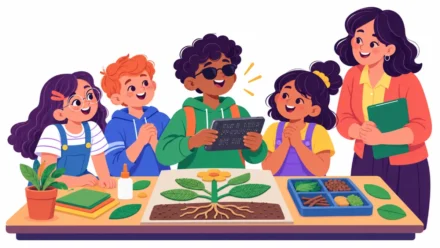
- Offer hands-on models: real objects help explain abstract ideas.
Large Print, Braille, and Tactile Materials
For students with low vision
- Large print with clear, sans-serif fonts
- High contrast, such as black text on a white or cream background
- Reduced clutter on each page
- Bold lines on graph paper and writing paper
- Good lighting with less glare
For students who read braille
- Braille copies of texts, worksheets, and tests
- Tactile graphics for maps, diagrams, and graphs
- Labeled classroom items in braille
- Time to practice braille skills daily with the TVI
Also, simple tactile materials can be made with glue lines, foam shapes, or textured paper. For example, a raised-line map helps a student “see” borders and rivers.
Assistive Technology That Opens Doors
Technology gives students independent access to much of the curriculum. However, they need direct teaching to use it well.
- Screen readers: read digital text aloud
- Screen magnifiers: enlarge text and images on devices
- Refreshable braille displays: show digital text in braille
- Video magnifiers: enlarge printed materials and objects
- Audiobooks: access longer texts efficiently
Next, check that your digital materials are accessible. Scanned images of text often do not work with screen readers. The American Foundation for the Blind offers helpful guidance on accessible education.
Assessments and Grading
Tests should measure what students know, not how well they see. Therefore, plan testing formats with the TVI ahead of time.
- Provide tests in the student’s reading format, such as braille or large print.
- Allow extended time and breaks to reduce eye fatigue.
- Replace purely visual items, like color-coded graphs, with tactile or described versions.
- Accept oral or typed answers when appropriate.
Also, check that state testing accommodations match those used in class. When teaching students with visual impairments, consistency between daily work and testing helps them perform with confidence.
Classroom Layout and Safety
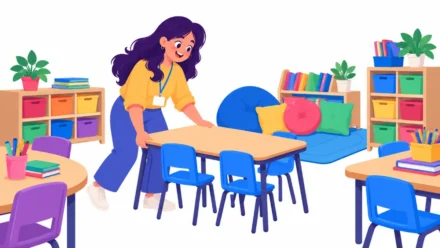
A predictable room supports independence. Therefore, keep furniture in consistent places and tell students before you move anything.
For instance, keep pathways clear, push chairs in, and close cabinet doors fully. In addition, let the student explore the room before the school year starts. The O&M specialist can help teach routes to key places like the bathroom, cafeteria, and exits.
Supporting Social Inclusion
Access is not only about materials. Students with visual impairments also need real chances to connect with peers.
For example, plan group work with clear roles so everyone contributes. Teach classmates simple habits, like saying their name when they approach. Finally, include the student in games and activities with simple adaptations, such as bell balls in PE. The visual impairment toolkit for classroom access and braille covers more ready-to-use ideas for teachers and teams.
Frequently Asked Questions
Do I need to learn braille to teach a blind student?
Not usually. The TVI teaches braille and prepares materials. However, learning a few basics can help you connect with the student.
What is most important when teaching students with visual impairments?
Planning ahead and working closely with the TVI. Timely, accessible materials make the biggest difference day to day.
Can students with low vision use regular textbooks?
Some can, with magnifiers or good lighting. Others need large print or digital versions. The student’s IEP should describe the right format.
Ready-to-use resource:
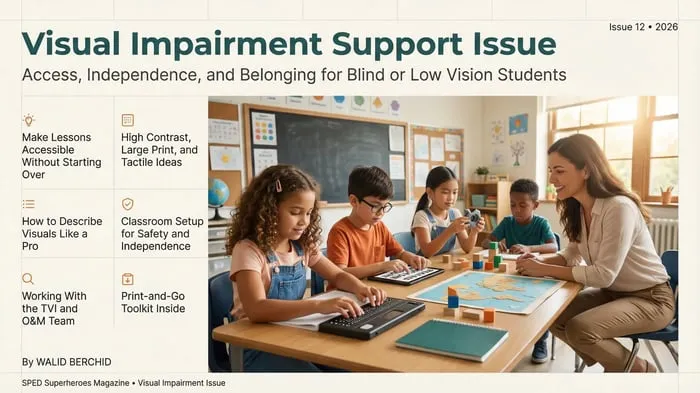
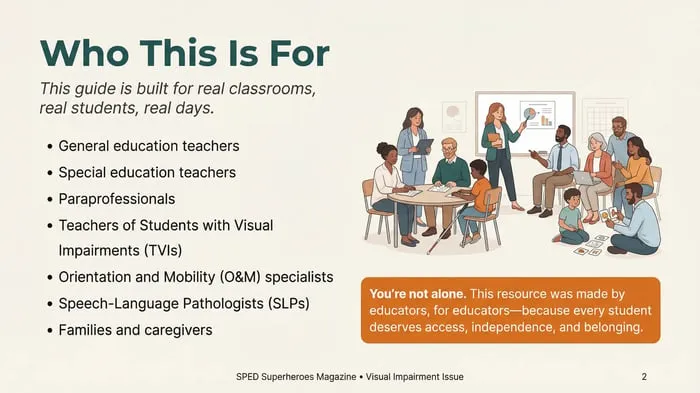
Visual Impairment Toolkit: Classroom Access & Braille: A 49-page guide to making lessons accessible with large print, tactile materials, braille, and assistive technology alongside the TVI and O&M team.
Related reading: Best Assistive Technology for Special Education Classrooms and Accommodations vs Modifications in Special Education.
Key Takeaways
- Teaching students with visual impairments means changing format, not lowering expectations.
- Share materials early so the TVI can prepare braille and tactile versions.
- Describe visuals aloud and keep the classroom layout predictable.
- Use assistive technology and plan for social inclusion, not just access.
Leave a Comment