

IEP caseload management usually breaks down on an ordinary Tuesday. A general education teacher emails to ask which accommodations a student has, a parent asks when the annual meeting will be, and you realize the answer is on a sticky note somewhere under a pile of progress reports. Nothing is wrong with your effort. The problem is that the information lives in too many places.
This guide walks you through a five-step system for one case manager and any caseload size: build one roster, map every deadline, plan services and contacts, track progress in small weekly habits, and review the whole caseload on a steady rhythm. By the end, you will have a simple routine you can run in about twenty minutes a week.
Examples are fictional. Adapt to the student’s goals and agreed supports. This is guidance, not legal advice, and your district’s procedures always come first.
At a glance
- Keep one master roster with the same few columns for every student.
- Put every annual review and reevaluation date on one calendar, with early reminders.
- Plan services and team contacts by the week, not by memory.
- Collect progress data in small, regular amounts so reports write themselves.
- Review the full caseload on a fixed day, even when the week is calm.
1. Build one master roster for IEP caseload management
Every reliable system starts with a single list. If student details are split across a gradebook, an email folder, and a binder, you will spend more time searching than serving. Therefore, the first step in IEP caseload management is one roster that answers the basic questions at a glance.
Keep the roster short on purpose. At minimum, you need each student’s name, grade level, and eligibility category. Many case managers also add the annual review date and the reevaluation date, either on the same page or on a second sheet. However, resist the urge to copy the whole IEP into the roster. The roster points you to the right student; the IEP itself holds the details.
In addition, use the same column order for every student. Consistent columns let your eyes find a grade or category without reading every word, which is the quiet strength of good IEP caseload management.
Next, decide where the roster lives. A printed copy in the front of your binder works well for quick checks during meetings. A digital copy is easier to sort and update. Many teachers keep both and update the digital one first, then reprint once a month.
Also, add a date in the corner of each printed copy. When you see an old date, you know the paper may be out of step with the digital master.
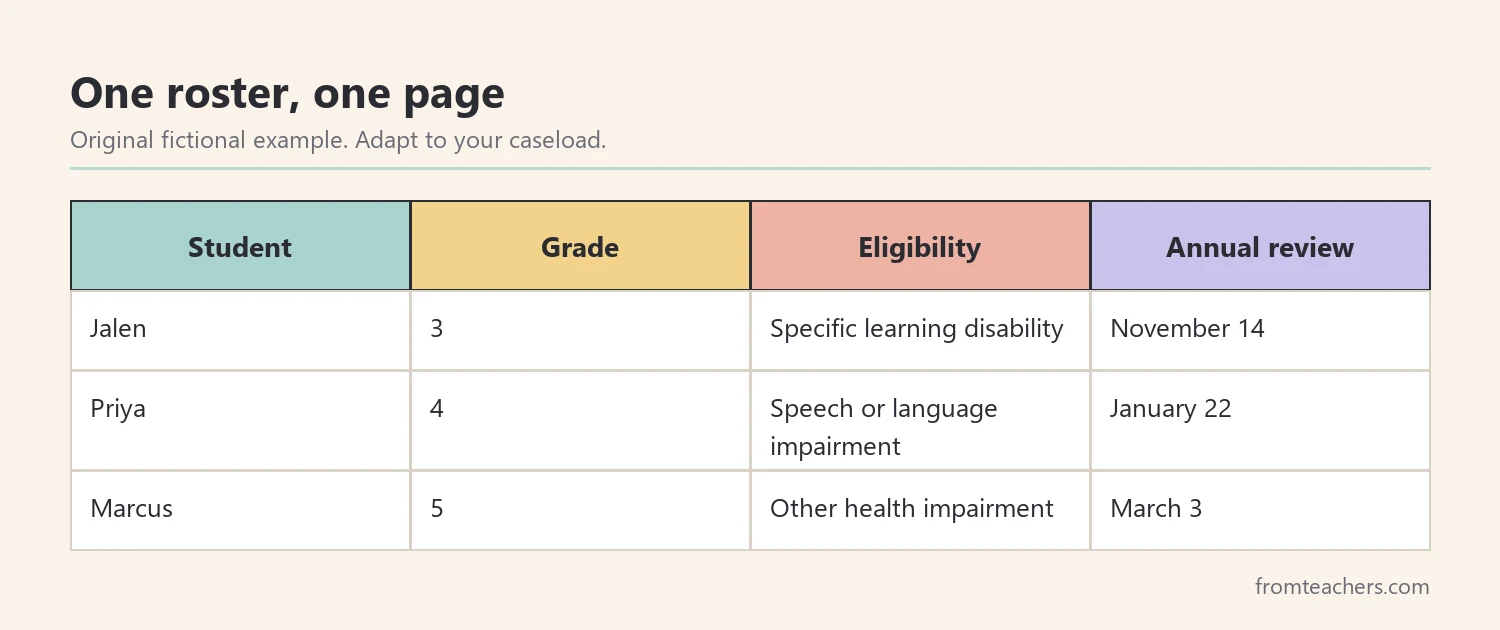
For example, Ms. Rivera is a fictional resource teacher with 18 students on her caseload: 7 in grade 3, 6 in grade 4, and 5 in grade 5. Before she built a roster, she checked three different places to answer one question. Now she opens one page.
| Student | Grade | Eligibility | Annual review |
|---|---|---|---|
| Jalen | 3 | Specific learning disability | November 14 |
| Priya | 4 | Speech or language impairment | January 22 |
| Marcus | 5 | Other health impairment | March 3 |
Finally, protect the roster. It contains confidential student information, so store it where only authorized staff can see it, and follow your district’s privacy rules for printing and sharing.
2. Map every deadline on one calendar
Deadlines are often the most stressful part of IEP caseload management. Under IDEA, each IEP must be reviewed at least once a year, and a reevaluation generally happens at least once every three years unless the parent and school agree it is not needed. Your state and district may add their own timelines for notices, drafts, and paperwork, so check those rules too.
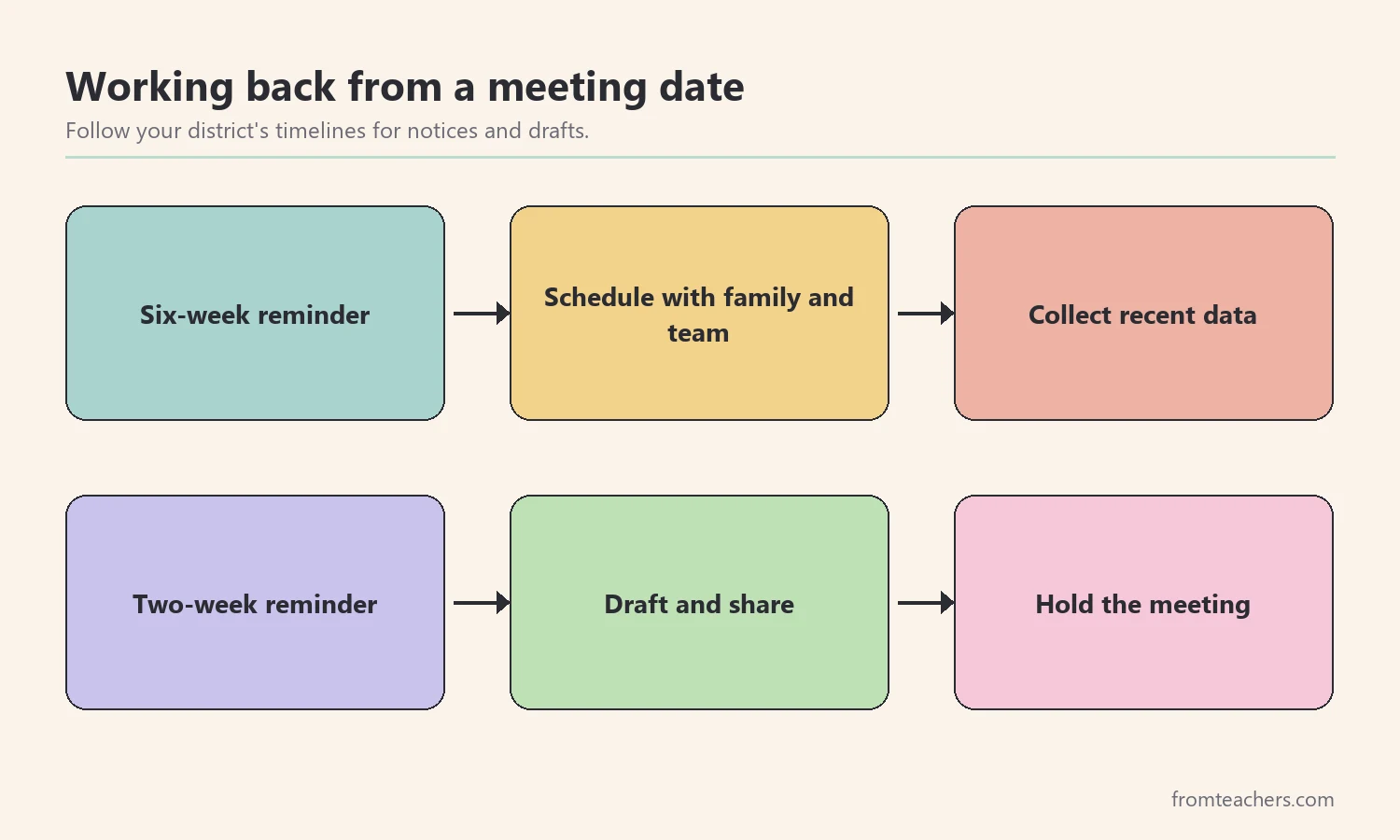
Start by copying every annual review date and reevaluation date from your roster onto one calendar. Then, add two reminders for each date: one about six weeks ahead to start scheduling, and one about two weeks ahead to finish drafts and gather data. If your district requires earlier notice to families, set your first reminder earlier.
Moreover, write the reason next to each reminder, such as “invite family” or “draft present levels.” A reminder that says only a student’s name forces you to remember the task again, and that extra step is where IEP caseload management often slips.
Also, color or label each entry by type. A quick glance should tell you whether a month holds two annual reviews or five. When a month looks crowded, you can start scheduling and data collection earlier instead of finding out too late.
For instance, Ms. Rivera notices that November holds 3 annual reviews and 1 reevaluation, which makes 4 meetings in one month. She moves her data collection for those 4 students to the start of October. As a result, the busy month feels planned rather than rushed.
Keep this calendar separate from your daily teaching planner if that helps you see it clearly. What matters is that every date lives in one place you check every week.
Finally, share the meeting calendar with the people who need it, such as related service providers and your administrator, if your district allows it. Shared dates reduce double booking and make IEP caseload management a team effort rather than a solo memory test.
3. Plan services and contacts by the week
Strong IEP caseload management is not only about meetings. It is also about making sure every student actually receives the minutes and supports written in the IEP. A weekly service plan makes that visible.
First, list each student’s service minutes and setting from the IEP. Then, block those minutes into your schedule and note any services provided by other staff, such as speech or occupational therapy. If a session is missed because of an assembly or an absence, write it down the same day along with the plan to make it up, following your district’s guidance.
Next, plan your contacts. Each week, choose a few general education teachers and families to check in with. Rotating through the caseload means everyone hears from you regularly, not only when something goes wrong.
Keep a simple contact log as well. One line per contact, with the date, the person, and the topic, is enough. When a family asks how often you have been in touch, the log answers for you, and it supports clear IEP caseload management during meetings.
A ready-made editable IEP caseload roster can make this step faster, because you already have each student’s grade and eligibility on one page when you plan who to contact.
| Day | Contact focus | Example |
|---|---|---|
| Monday | Grade 3 teachers | Check Jalen’s reading accommodations |
| Wednesday | Two families | Short positive update by email |
| Friday | Related service staff | Confirm next week’s schedule |
For example, Ms. Rivera checks in with Jalen’s classroom teacher every other Monday. In addition, she sends his family one short update each month, so the November meeting holds no surprises.
4. Track progress with small weekly habits
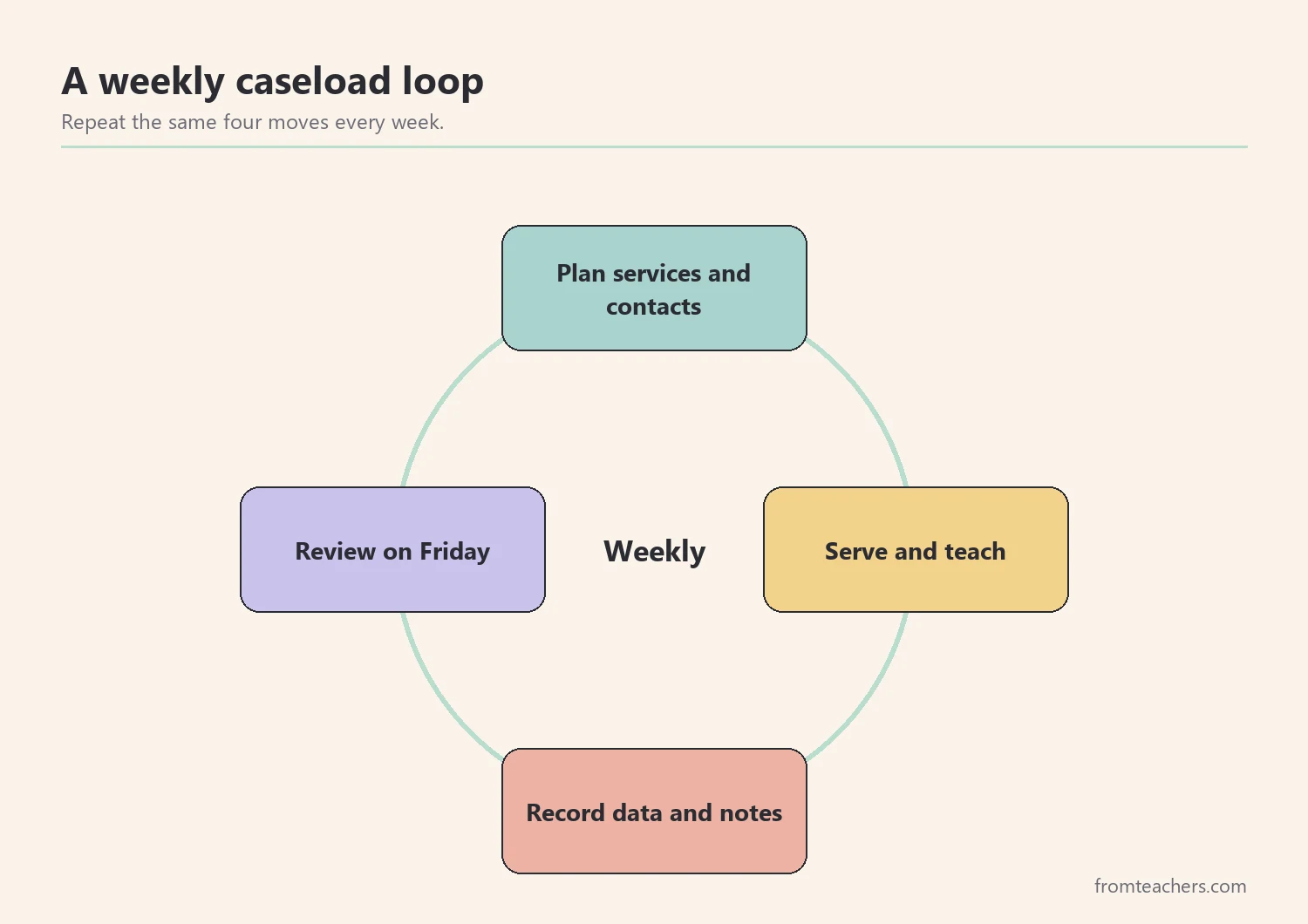
Progress reports become hard when all the data has to be found at once. Instead, collect a little data every week. That way, IEP caseload management stays light and your reports rest on real information.
First, choose one simple measure for each goal you are responsible for. It might be the number of correct responses, the percent of steps completed, or the number of prompts needed. Then, decide when you will collect it, such as during the second session each week.
Next, keep the data close to the student’s work. A folder for each student, a clipboard during small groups, or a shared spreadsheet all work. The best tool is the one you will actually use on a busy day.
Moreover, label each data sheet with the goal in plain words. A label like “reads grade-level passage aloud” is easier to use than a goal number, especially when a paraprofessional or substitute collects data for you.
For instance, Jalen has a reading fluency goal. Ms. Rivera records his words correct per minute once a week. Over four weeks, his scores are 48, 51, 50, and 55. Because she has four data points, she can describe his progress honestly in the next report instead of guessing.
Also, notice what the numbers say together. Jalen’s scores rose by 7 words over four weeks, from 48 to 55, with one small dip in week three. A short note explains that dip: he was absent two days that week.
Finally, write a one-line note whenever something changes, such as a new seating plan or a missed week. These notes explain the data later, especially when the team meets to review the IEP.
As a result, progress reports take less time to write. You already know the trend, so the report becomes a summary of what you have been watching all along. That is the practical payoff of steady IEP caseload management.
5. Review your IEP caseload management system every week
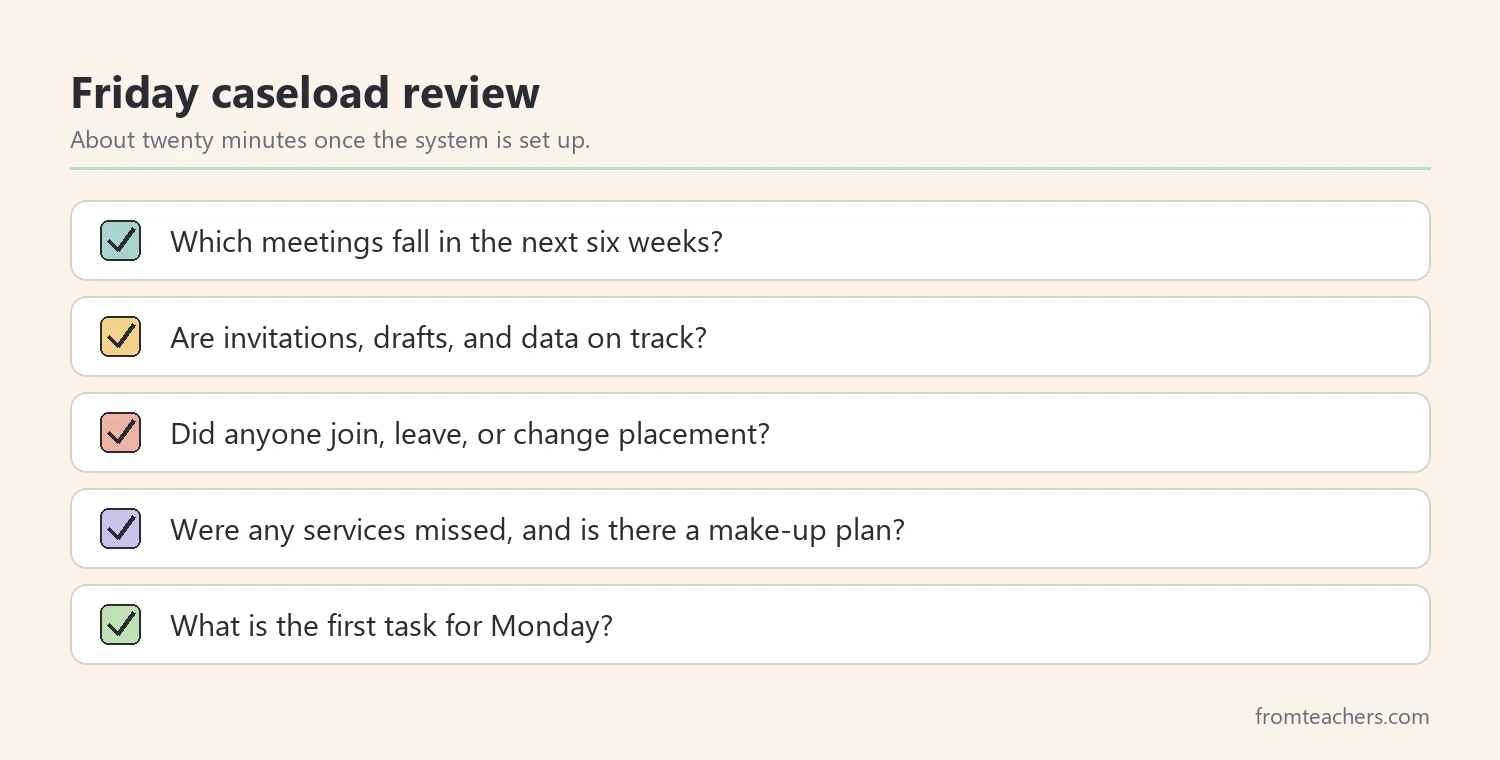
An IEP caseload management system only works if you look at it. Therefore, pick one fixed time each week for a caseload review, for example Friday after dismissal. Keep it short, about twenty minutes for most caseloads once the system is set up, and use the same questions each time.
Start with the calendar. Which meetings are coming up in the next six weeks, and are invitations, drafts, and data on track? Then, scan the roster. Has any student moved, changed placement, or joined your caseload? Update the roster first, because every other tool depends on it.
After that, look at services and contacts. Were any sessions missed, and is there a plan to make them up? Did each planned contact happen? Finally, choose one small task to finish first on Monday.
For example, during her Friday review, Ms. Rivera sees that Priya’s annual review is six weeks away. She sends a scheduling note to the family and sets a reminder to start Priya’s progress summary. As a result, her IEP caseload management stays a few weeks ahead instead of a few days behind.
Over time, the review also shows you patterns. If the same task slips every week, the system needs a change, not more willpower.
For example, if contact notes keep slipping, move them to the end of each small group instead of the end of the week. Small changes like this keep IEP caseload management realistic for a full teaching load.
Common mistakes and how to avoid them
- Keeping several rosters. Fix: choose one master roster and update it first whenever anything changes.
- Tracking only the meeting date. Fix: add early reminders for scheduling and drafting, based on your district’s timelines.
- Saving data collection for report week. Fix: collect one data point per goal each week.
- Contacting families only when there is a problem. Fix: rotate short positive updates across the caseload.
- Skipping the weekly review when things feel calm. Fix: keep it on the calendar, because calm weeks are when you get ahead.
Questions teachers and parents ask about IEP caseload management
How many students can one case manager handle?
There is no single number that fits every school. Caseload limits are set by states and districts, and they often depend on student needs and service settings. Check your local rules and talk with your administrator if your caseload feels unmanageable.
Should the roster be digital or on paper?
Either works if it is kept in one place and updated often. Many teachers use a digital master and print a copy for meetings. Choose the format you will actually open every week.
What should a parent ask the case manager?
Parents can ask when the next annual review will be, how progress is measured, and how often they can expect updates. A clear IEP caseload management routine makes these questions easy to answer.
How do I handle a new student who arrives mid-year?
Add the student to your roster the same day. Then, enter their review and reevaluation dates on the calendar and plan their services into your weekly schedule. Follow your district’s procedures for transfer students.
Is IEP caseload management different for new teachers?
The core steps are the same, but new teachers benefit from starting smaller. Begin with the roster and the calendar, then add weekly data and contacts once those feel routine. Ask a mentor how your district handles notices and drafts.
Related reading: The Power of Data Tracking in Special Education, Special Education Accommodation and Modification Tracker, and How Teachers Communicate With Parents in Special Education.
A companion resource for IEP caseload management:
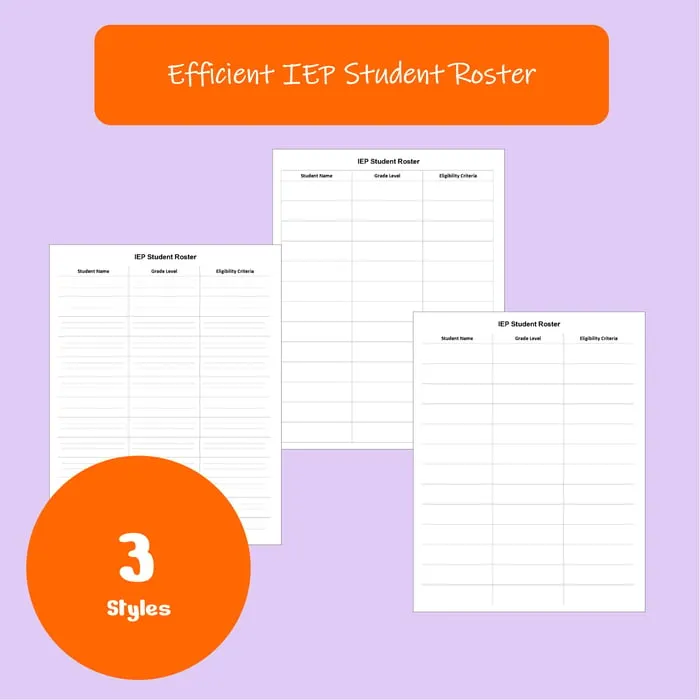
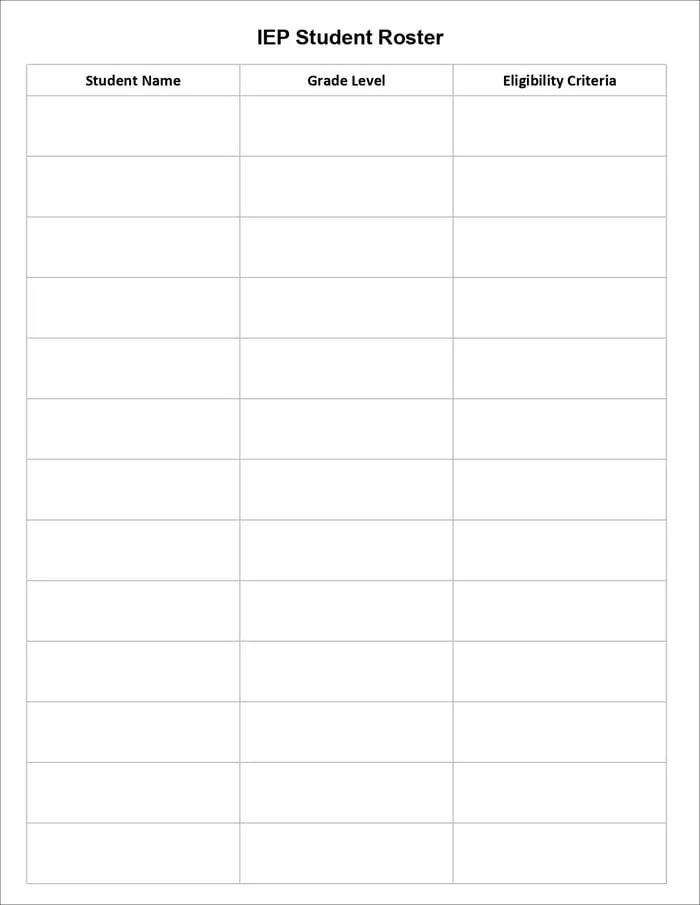
IEP Caseload Roster: Editable Student List for Special Education Teachers: an editable roster in three layouts (roomy, compact, and minimalist) with Student Name, Grade Level, and Eligibility Criteria columns, so your whole caseload fits on one page.
Sources and scope
- IDEA, U.S. Department of Education: the federal law behind IEPs, annual reviews, and reevaluations.
- IRIS Center, Vanderbilt University: free modules on IEPs, progress monitoring, and collaboration.
- Center for Parent Information and Resources: plain-language materials on the IEP process for families and schools.
- Council for Exceptional Children: a professional organization for special educators.
This guide covers practical organization habits for case managers. It does not replace your state rules, district procedures, or legal guidance on IEP timelines and compliance.
Key takeaways
- IEP caseload management starts with one short master roster.
- Every review and reevaluation date belongs on one calendar with early reminders.
- Weekly service and contact plans keep every student visible.
- Small weekly data habits make IEP caseload management lighter and progress reports more accurate.
- A twenty-minute weekly review keeps the whole system ahead of deadlines.










Leave a Comment