
TOP 3
SNAP CIRCUITS KITS
Junior · Classic · Pro
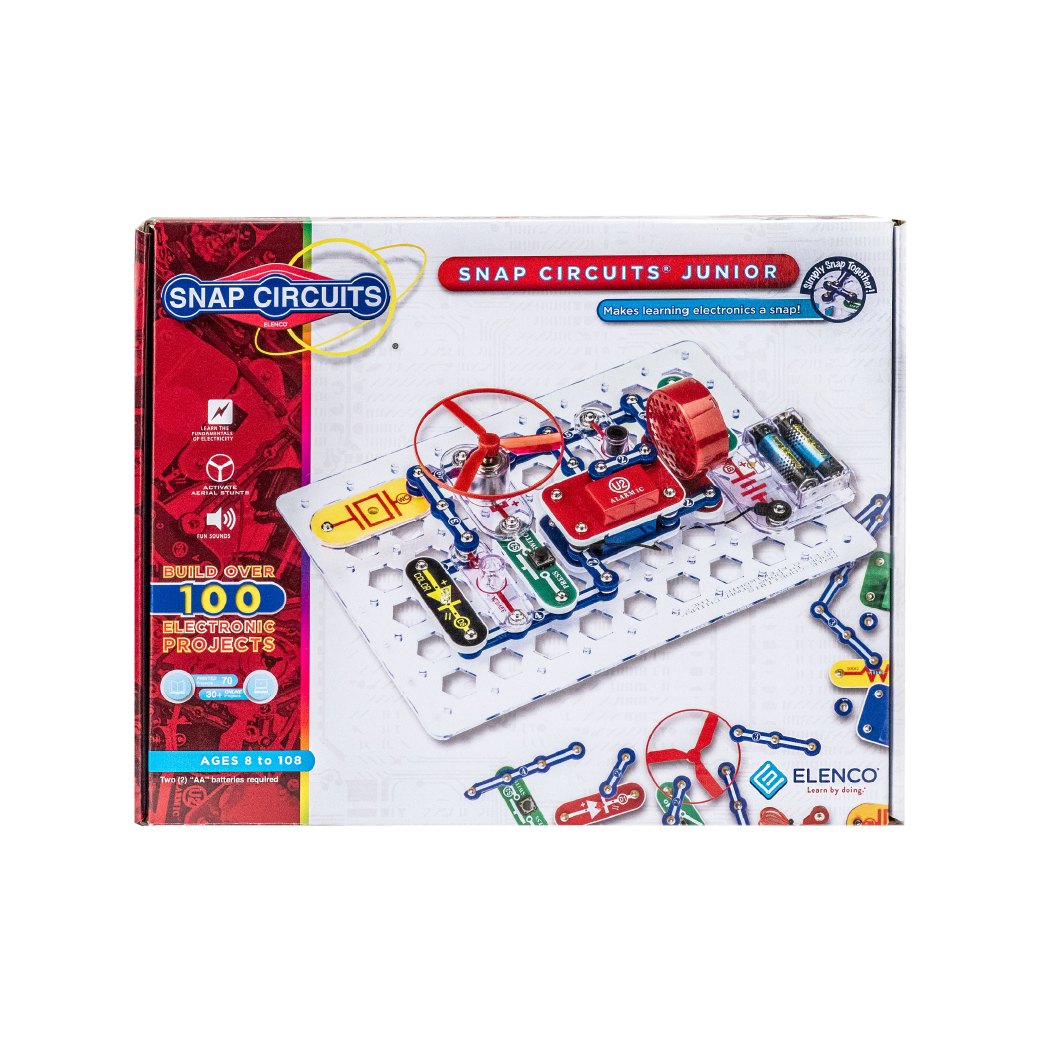
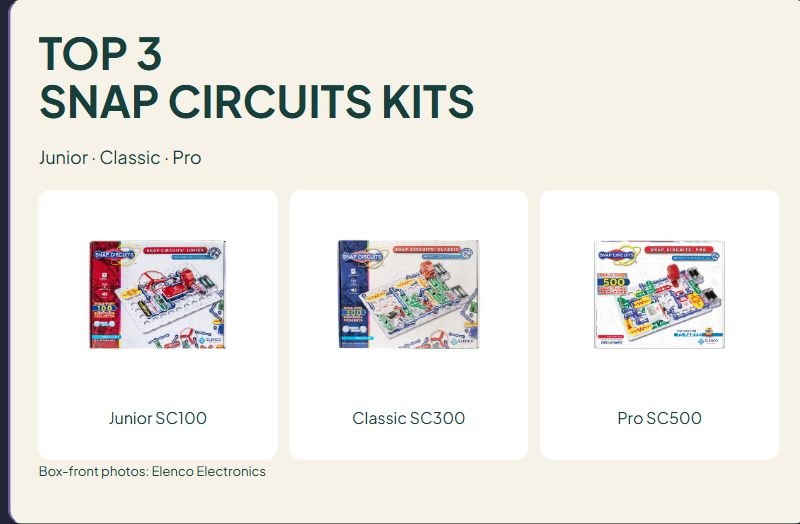
Junior SC100
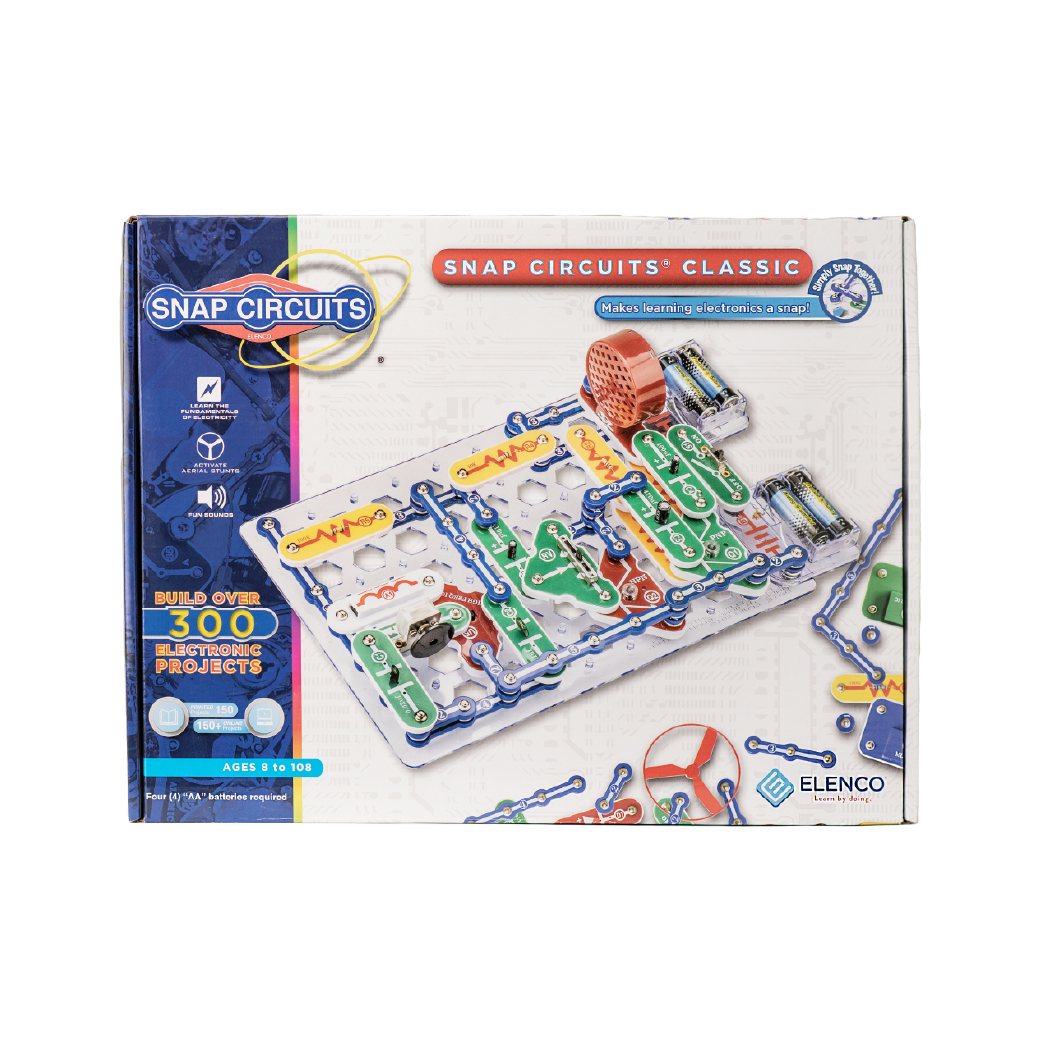
Classic SC300
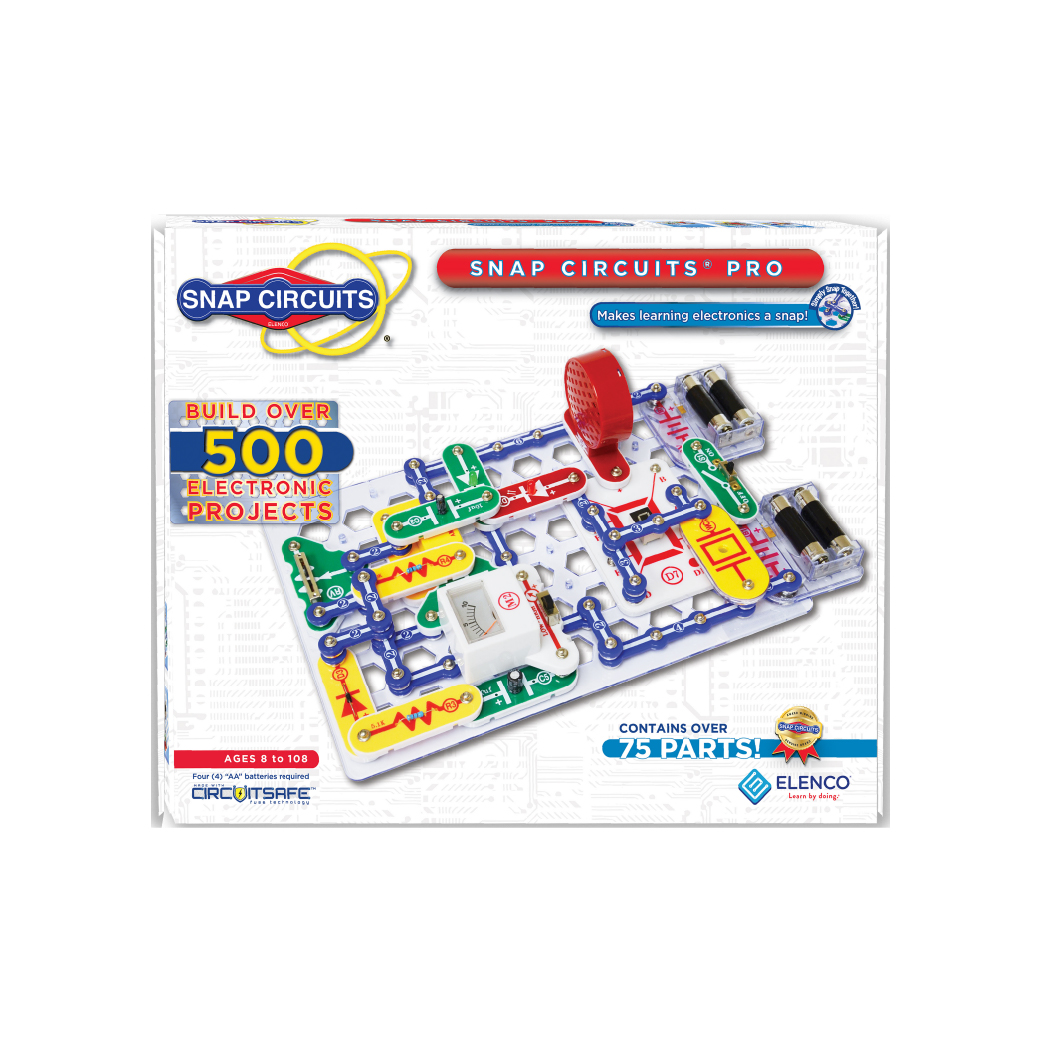
Pro SC500
Box-front photos: Elenco Electronics
Affiliate disclosure: As an Amazon Associate I earn from qualifying purchases. Purchases through our links may earn a commission at no additional cost to you.
Snap Circuits kits let students assemble electronic projects using components that connect with snaps on a base grid. Junior, Classic and Pro belong to the same product family, but their advertised project libraries and parts inventories differ. Choosing the largest project count is not the same as choosing the best arrangement for a classroom group.
This guide compares the verified U.S. listings for Junior SC-100, Classic SC-300 and Pro SC-500. It uses listing specifications and Elenco's official model and manual pages, rather than hands-on testing. We have not verified customer review excerpts for these kits. The photographs show official box-front artwork; actual packaging artwork may vary.
Quick comparison of Snap Circuits kits
| Kit | Parts stated in the verified Amazon listing | Advertised project library | Practical reason to choose it |
|---|---|---|---|
| Junior SC-100 | 29 parts | 100+ projects | A smaller inventory for a first supervised snap-circuit center |
| Classic SC-300 | 60+ pieces | 300+ projects | A larger library, including listed examples such as an AM radio, alarm and doorbell |
| Pro SC-500 | 75 parts | 500+ projects | More project options, with listed examples including a voice recorder and LED display |
All three verified listings specify ages 8+. Each requires batteries and describes numbered, color-coded parts that snap onto a plastic grid without soldering or extra tools. Confirm the exact battery type, quantity and whether batteries are supplied for the selected package before planning a lesson; this comparison does not assume those details are identical across all three kits.
1. Junior SC-100: a smaller first inventory
The verified Junior listing specifies 29 parts and 100+ projects. That makes its inventory smaller than the Classic and Pro packages compared here. The appeal is a more focused set of components to organize when students are learning to identify parts and follow a diagram.
Why consider it: A teacher can choose a short manual project, introduce the named components and have a pair build while explaining their choices. A smaller collection may be easier to present in stages. That is an activity-planning choice, not evidence that every child will find this kit easy or complete projects independently.
An important manual check: Elenco's official SC100 manual page distinguishes versions by the appearance of the box. For the version shown with a red band on the left, it links a printed manual covering projects 1–71 and an online manual for projects 72+. It also provides links for older packaging. Match the manual to the box you receive rather than assuming every advertised project is printed in the included booklet.
Limitations: One kit's project library does not provide 100 separate student stations. Students reuse the kit's parts to build different designs. Decide how they will share the work area and parts before assigning several simultaneous builds. If reliable internet access is unavailable, check the relevant manual resources before promising the full project library during class.
Choose it when: You want to start with a smaller component inventory and a selected set of supervised activities, with the correct manual available for the actual package.
2. Classic SC-300: a larger project library
The Classic listing describes 60+ pieces and 300+ projects. Its examples include an AM radio, burglar alarm and doorbell. Those examples describe projects in the product's library; they are not separate ready-made devices packed in the box.
Why consider it: The wider selection can be useful when the teacher has already identified several manual projects that fit the course. A group might revisit the process of reading a diagram and checking a completed build across different documented examples. Keep the learning question explicit instead of treating the number of completed models as the only measure of progress.
Limitations: More pieces mean a larger inventory to identify, distribute and put away. A 300+ project claim does not establish how many projects can be built at once, how many base grids are supplied or how many students can work independently. Check the selected package's contents when planning multiple stations.
A classroom planning idea: Before buying, choose two or three projects from the appropriate official manual resources and write down the components each needs. Use that list to decide whether students will rebuild in sequence or whether you need additional complete kits. Do not assume one consumer kit is a classroom pack.
Choose it when: You have a reason to use the larger library and can manage the additional components, rather than simply wanting the middle option by default.
3. Pro SC-500: more options for repeated sessions
The Pro listing specifies 75 parts and 500+ projects. It names examples such as a radio, voice recorder and LED display. As with Classic, these are projects to assemble using the kit, rather than a promise of several complete devices operating independently at once.
Why consider it: A larger library may suit repeated sessions when someone can select, prepare and supervise appropriate projects. It can offer more choices after a group is comfortable finding components and following the documented build process. This guide does not claim that more projects automatically create better learning outcomes.
Limitations: The Pro name is not a substitute for checking the age label, instructions or the student's current experience. It is still listed for ages 8+. The larger inventory can require more time to check before and after a shared session. Avoid paying for project options you are unlikely to prepare or use.
A buying question: Which specific Pro project would make you choose this pack over Classic? If you cannot name one, first compare the manuals and current package contents. The extra advertised projects are most useful when they support an actual plan.
Choose it when: You expect to use a broader range of documented projects over time and have a practical system for organizing parts and supervising the activity.
How to choose a kit for a classroom or home
Separate project count from working capacity
The advertised 100+, 300+ and 500+ figures describe project libraries. They are not component counts, counts of complete independent kits or guaranteed numbers of simultaneous builds. For a classroom purchase, check the actual inventory and decide whether the plan is a demonstration, a rotating center or several independent groups.
Make the instructions available before the session
Check that the manual matches the exact model and packaging version. The SC100 manual index is especially useful because it visibly separates newer and older box designs. If some resources are online, arrange access ahead of time. A project count is less useful when the matching instructions cannot be found during the lesson.
Give each learner a meaningful role
For a shared build, rotate who reads the diagram, finds parts, connects components and checks the arrangement against the instructions. Ask students to explain their choices rather than having one confident builder do everything. Adapt participation when reading diagrams or handling snap connections creates a barrier for an individual learner.
Keep the activity within the supplied system
Follow the model's current instructions, age guidance, battery directions and supervision requirements. Use the documented projects and intended components. These battery-operated educational kits are not an invitation to experiment with household electrical outlets or improvised power sources.
Questions before buying
Is Pro necessarily better for a beginner?
No. A larger library gives more possible projects, but the starting activity still needs to match the learner and available supervision. Junior's smaller inventory may fit a first center; Classic or Pro may make sense when you already have a plan for their additional options.
Does Junior include all 100+ projects in one printed booklet?
Do not assume that. Elenco's SC100 manual page links printed projects 1–71 and online projects 72+ for the pictured newer box, with separate resources for older packaging. Check the actual box and matching manual resources.
Can I buy a replacement part or student guide instead of the kit?
Those are different products. A book, replacement motor, conductor pack or travel case does not supply a complete electronics kit. The shopping links in this comparison point to the verified Junior, Classic and Pro kit listings; check the selected model and current contents before ordering.
For a different construction activity focused on visible mechanical connections, compare our gear building sets. The activities use different materials and instructions, so choose for the lesson rather than the headline piece count.





Leave a Comment