

Memory overload in students often looks like carelessness, but it usually means the brain is holding more than it can manage. Picture a fourth grader who hears three quick directions: “Put your reading book away, take out your math notebook, and start on page 42.” He puts the book away, opens his desk, and then sits, unsure what comes next. Later, he hands in a worksheet with the back page untouched.
This guide gives you five steps to help: spot the signs, reduce the load, chunk instructions, build outside memory tools, and review progress. By the end, you will be able to set up simple supports that help students finish tasks and repeat fewer of the same omissions.
Examples are fictional. Adapt to the student’s goals and agreed supports. This is guidance, not a diagnosis.
At a glance
- Forgetting instructions and leaving tasks unfinished are common signs of overload.
- Reducing what students must hold in mind helps more than reminders to “pay attention.”
- Short, written, step-by-step instructions are easier to follow.
- Checklists and task cards act as an outside memory.
- A light weekly record shows which supports help.
1. Spot the signs of memory overload in students
First, learn the common signs. Memory overload in students often shows up as losing track of multi-step directions, starting a task and then stopping, forgetting materials, or making the same omission again and again, such as skipping the last question or forgetting to write a name.
Next, notice when it happens. Overload is more likely when directions are spoken only, when several steps come at once, when the room is noisy, or when the task is new. Many students manage well with one step at a time and lose track when steps pile up.
Also, look at the pattern across the day. Some students forget more in the afternoon or after a busy transition. Others struggle mainly in one subject. These details help you target support where it matters most.
In addition, keep your notes factual. “Started page 42, stopped after question 3, did not turn the page” is more useful than “not focused.” Factual notes help you describe memory overload in students clearly to families and colleagues.
Then, remember that forgetting is not the same as not caring. Students who forget often feel embarrassed and may hide it by joking or saying they are finished. Kind, practical support helps them stay engaged. Seen this way, memory overload in students becomes a design problem you can solve, not a character flaw.
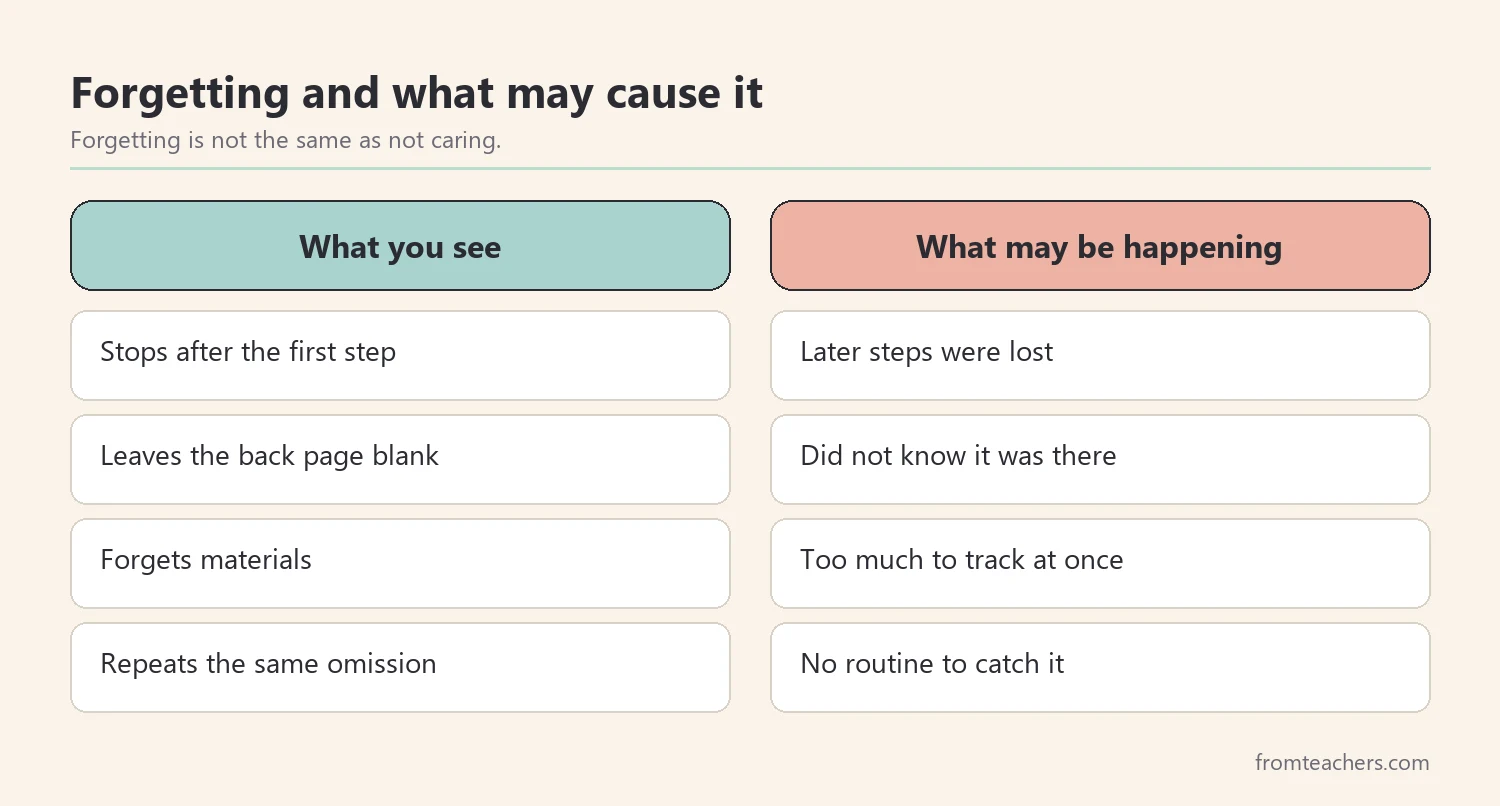
Worked example. Sam is a fictional student in grade 4. His teacher, Ms. Lane, notices that he often completes the first part of a task and leaves the rest. Over one week, she records 10 tasks with more than one step. Sam finishes all steps on 4 of them and misses at least one step on the other 6.
2. Reduce what students must hold in mind
Next, lower the load. The simplest way to help with memory overload in students is to reduce how much they need to remember at once. That means fewer steps given together, fewer things to track, and less information kept only in the head.
For example, give one or two steps at a time instead of five. Keep materials in the same place every day. Put key information, such as the page number or the time limit, on the board where students can check it. Each change frees up mental space for the actual work. Together, these small adjustments prevent much of the memory overload in students that teachers see every day.
Also, cut extra talk around instructions. Long explanations can push the main step out of memory. Say the step, show it, and then stop talking. A short, clear direction is easier to hold than a friendly paragraph.
Meanwhile, look at the task design. Dense worksheets with small print and many sections can overload memory and attention. Spacing, numbering, and clear sections help students see where they are and what is left.
In addition, think about timing. New learning and complex tasks may go better earlier in the day for some students. If that is not possible, a short break before a demanding task can help. Rested students have more room to hold new steps, so planning around energy is a quiet way to reduce memory overload in students.
Worked example. Ms. Lane changes how she gives directions to the whole class. Instead of three spoken steps, she gives one step, waits until most students finish, and then gives the next. She also writes the page number and the number of questions on the board for every task.
3. Give instructions in small, visible chunks
Next, make instructions visible. Spoken directions disappear the moment they are said. Written or pictured steps stay in place, so students can look back instead of relying on memory. This is one of the most effective supports for memory overload in students.
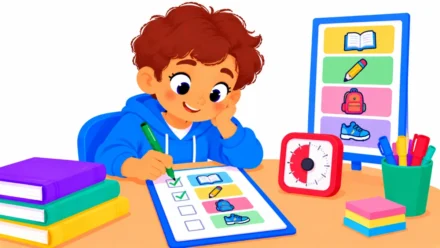
For example, write a numbered list of steps on the board or on a small card. Use short phrases that start with an action word: “Open notebook,” “Copy the date,” “Do questions 1 to 5.” For younger students or readers who need support, add simple pictures.
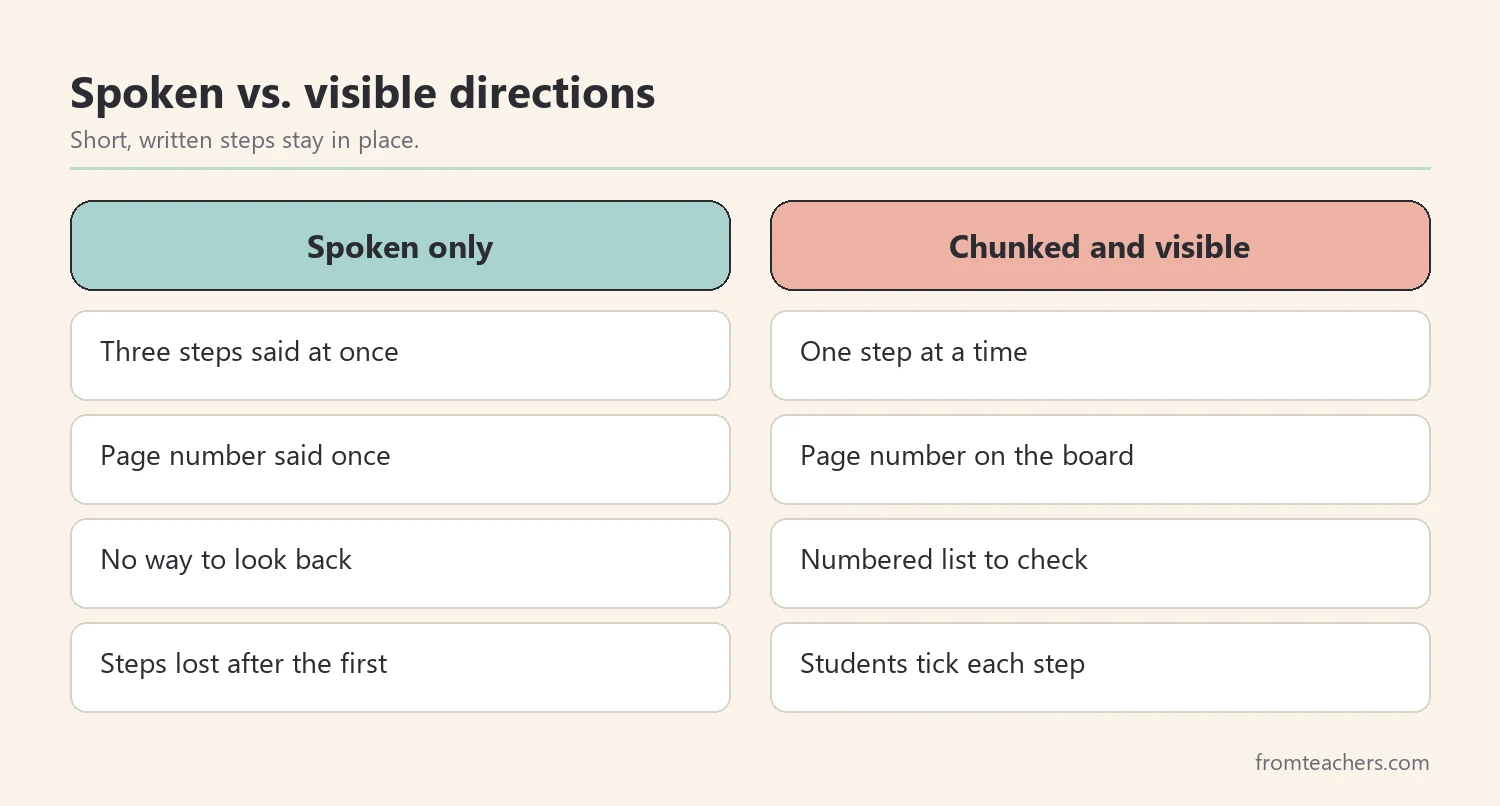
Also, check understanding without putting students on the spot. Ask the class to show the first step with a gesture, or ask one student to read step 1 from the board. Quick checks catch confusion before students drift. They also show you early which students are experiencing memory overload, so you can offer help before the task falls apart.
For ready-made responses to moments like forgetting instructions or leaving a task incomplete, the memory and task support strategy tables pair each common classroom moment with a practical strategy and the outcome it supports, across 12 tables.
Meanwhile, keep the format the same every day. When students know where to look for steps and how they are written, they spend less effort finding information and more effort using it. Consistency itself reduces memory overload in students.
Worked example. Ms. Lane starts writing each task as three to five numbered steps on the right side of the board. Sam can now glance up when he forgets. On the first day with written steps, he completes both parts of his math task.
4. Build outside memory tools for memory overload in students
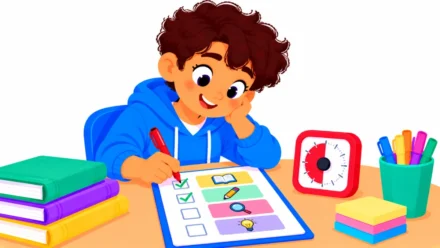
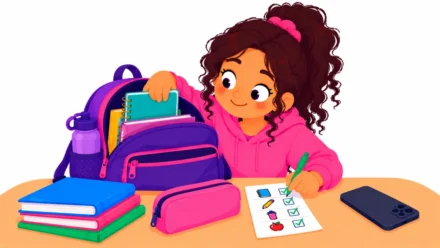
Next, give students tools that hold information for them. A checklist, a task card, a desk strip, or a simple planner acts like an outside memory. Instead of remembering every step, students check the tool.
For example, a task card might list four steps: “Name and date,” “Read all questions first,” “Answer each one,” and “Check both sides.” The last step targets a common omission, such as missing the back of the page. Students tick each step as they go.
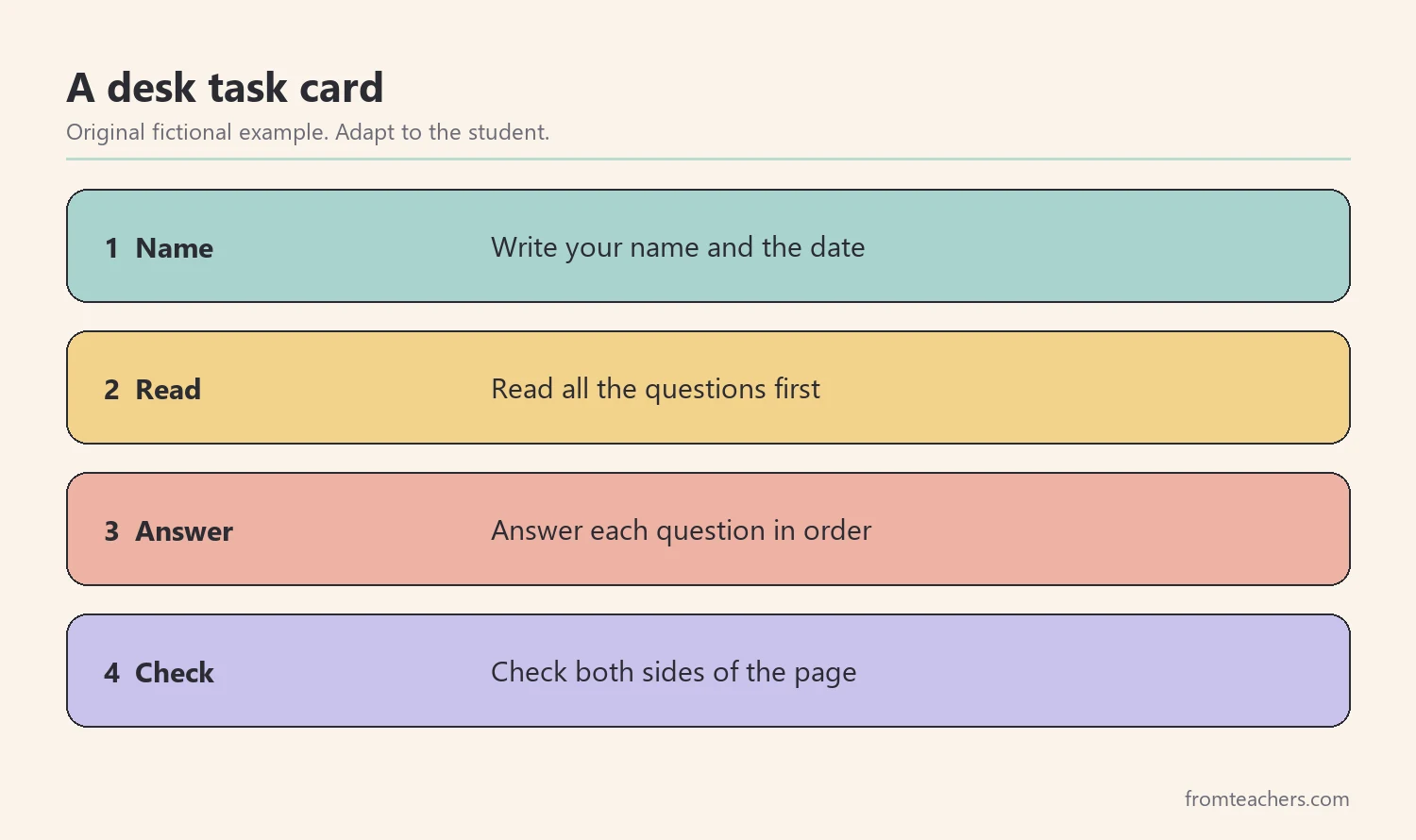
Also, teach students how to use the tool, because a tool that is not taught rarely eases memory overload in students. Model it out loud: “I finished question 5. Let me check my card. Next is check both sides. Oh, there’s a back page.” Then practice together a few times before expecting independent use.
In addition, build a short end-of-task routine. Before handing in work, students check their card, look for blanks, and confirm their name is on it. Over time, this routine becomes a habit that reduces repeated omissions linked to memory overload in students.
Meanwhile, use the same tools at home when possible. A short homework checklist on the fridge or in a folder helps families support the same habits without long reminders.
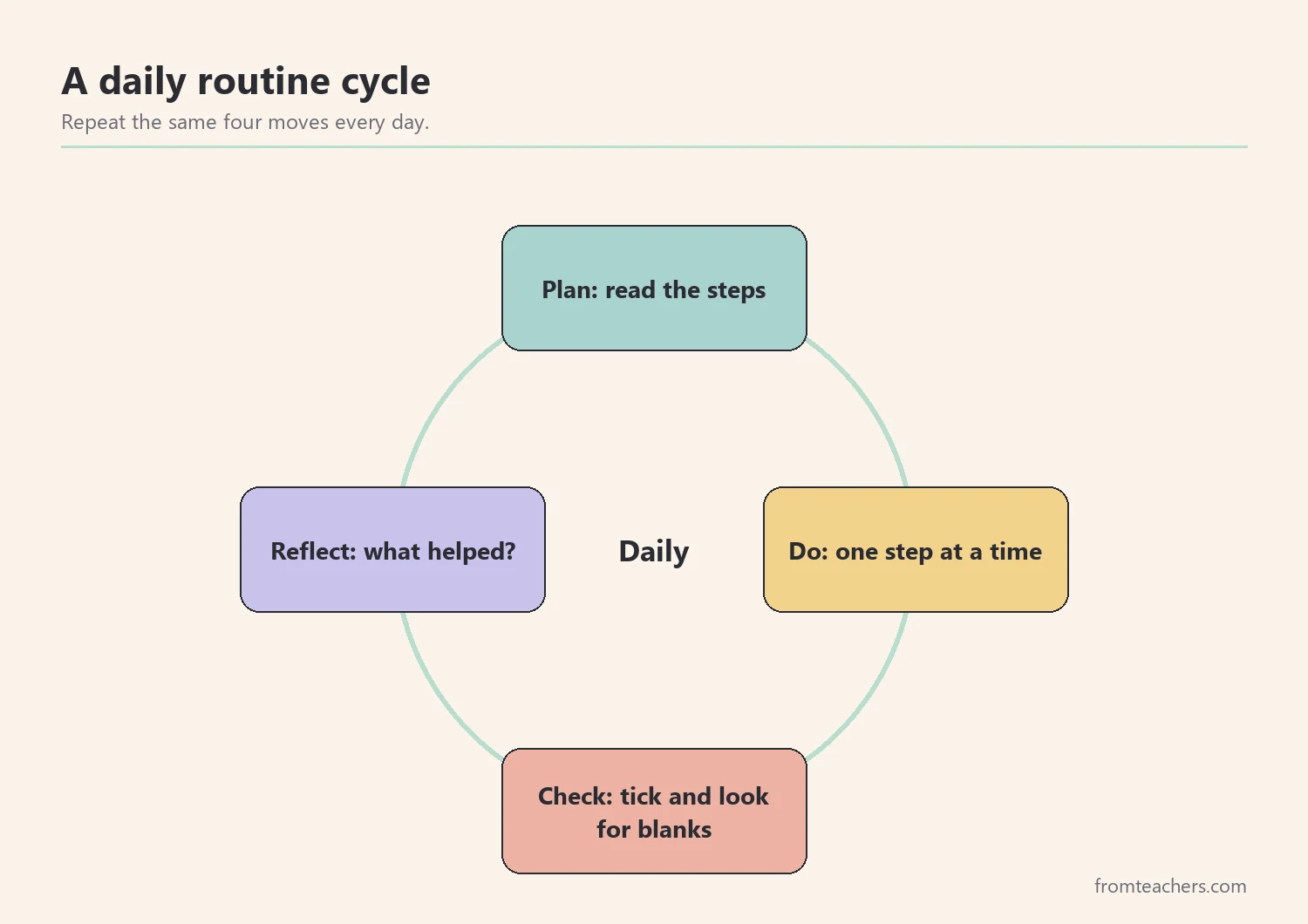
Worked example. Ms. Lane gives Sam a laminated task card taped to his desk. He ticks each step with a dry-erase marker. At the end of each task, he checks both sides of the page. After a few days, he starts reminding a classmate to “check both sides,” too.
5. Review progress and fade support
Finally, review what is working. Keep a simple weekly record of how many multi-step tasks the student completes fully. You do not need detailed data. A few tally marks each day are enough to show a pattern.
Also, review with the student. Ask, “Which tool helped you most this week?” and “Where did you still forget something?” These questions build self-awareness, so students start to notice and manage their own memory load.
Next, adjust when needed. If a tool is not used, ask why. It may be too long, in the wrong place, or not taught clearly enough. Small changes often make a big difference for memory overload in students.
Also, celebrate progress openly. A quick note home or a word of praise for using the task card shows students that managing memory overload in students is a skill they are building, not a weakness they must hide.
In addition, fade support carefully. Once the student uses the card reliably, try a shorter version, then a version the student writes themselves. Keep written steps on the board for the whole class, because they help many students, not just one.
Then, share progress with families in plain words. “Sam now finishes most multi-step tasks and checks both sides of the page” is clear and encouraging, and it helps families use the same language at home.
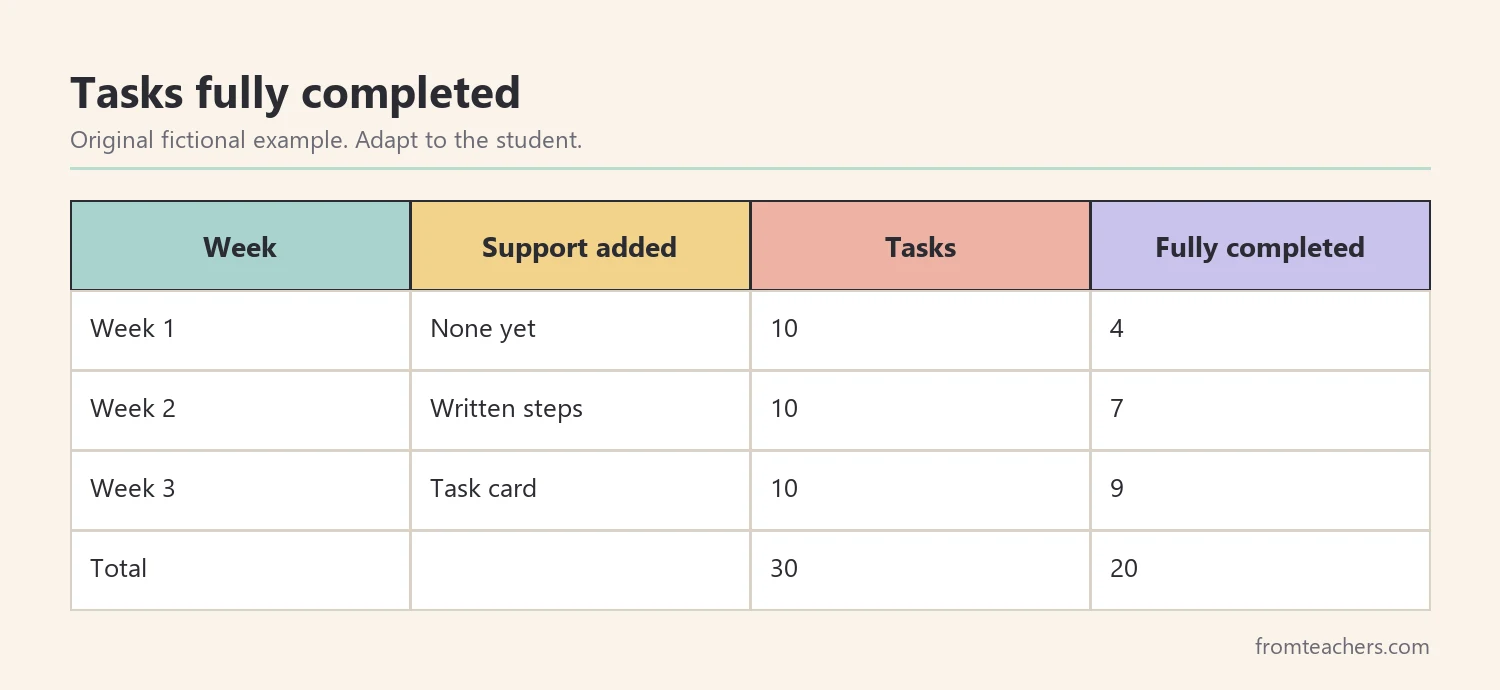
Worked example. Ms. Lane records 10 multi-step tasks each week. In week 1, Sam finished all steps on 4 of 10 tasks. In week 2, with written steps on the board, he finished 7 of 10. In week 3, with the task card, he finished 9 of 10. Across three weeks, that is 20 of 30 tasks fully completed, with a clear upward trend.
When forgetting needs a closer look
Sometimes, memory overload in students is part of a wider learning or attention profile. If forgetting affects many subjects, does not improve with supports, or causes strong distress, share your notes with the family and the support team.
Also, ask whether an evaluation or a plan review could help. Your records of what was tried and what changed are useful evidence for that conversation.
Finally, keep using visible steps and checklists for the whole class. They cost little, and they help many learners feel more confident.
Common mistakes and how to avoid them
- Saying “pay attention” again and again. Reminders do not add memory space. Fix: reduce the load and show the steps.
- Giving many steps at once. Later steps get lost. Fix: give one or two steps at a time.
- Relying on spoken directions only. Words disappear quickly. Fix: write or picture every step.
- Handing out a checklist without teaching it. Students ignore it. Fix: model and practice the tool.
- Treating forgetting as defiance. Shame makes it worse. Fix: respond with calm, practical help.
- Removing tools too soon. Old patterns return. Fix: fade one support at a time.
Questions teachers and parents ask about memory overload in students
Is memory overload the same as a memory problem?
Not always. Overload often means too much information is coming in at once, which can happen to anyone. Some students find it harder than others, but only qualified professionals can assess memory or learning needs.
Does this mean the student has ADHD?
No. Forgetting instructions can be linked to attention differences, but it can also come from fatigue, stress, language needs, or task design. Observe, support, and share concerns with the team if they continue.
Will checklists make students dependent?
Used well, checklists build habits that students can later use on their own. Fade them gradually and let students make their own versions as they grow more independent.
How can parents help at home?
Parents can give one step at a time, post a short checklist for routines like homework or packing a bag, and praise students for using it. Matching the school’s tools makes practice easier.
How soon will I see a change?
Some students respond within days to written steps. Others need a few weeks of consistent routines. A simple weekly tally helps you see small gains.
Related reading: Effective ADHD Classroom Strategies to Support Student Success, 5 Practical Teaching Tips to Boost Classroom Focus and Learning, and The Power of Data Tracking in Special Education.
A companion resource for memory overload in students:
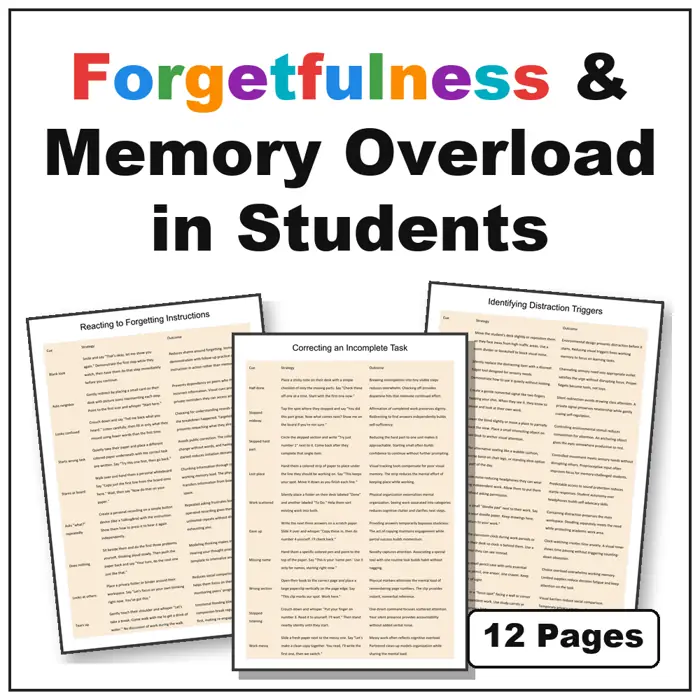
Forgetfulness & Memory Overload in Students: Memory and Task Support Strategies: 12 strategy tables that pair common classroom moments, such as lost instructions and unfinished tasks, with a practical strategy and the outcome it supports.
Sources and scope
- IRIS Center, Vanderbilt University: free modules on instruction and classroom supports.
- Understood.org: family-friendly information on learning and thinking differences, including working memory.
- CHADD: information on attention and executive function for families and educators.
- CAST: the organization behind Universal Design for Learning, which encourages flexible, visible supports.
This guide covers practical classroom and home supports for students who forget instructions or leave tasks unfinished. It does not replace evaluation, diagnosis, or the decisions of the student’s support team.
Key takeaways
- Memory overload in students is about load, not effort.
- Give fewer steps at once and cut extra talk.
- Make every step visible with written or pictured lists.
- Teach checklists and task cards as an outside memory.
- Track progress weekly and fade support gradually.



Leave a Comment