
FROMTEACHERS · BUYING GUIDE
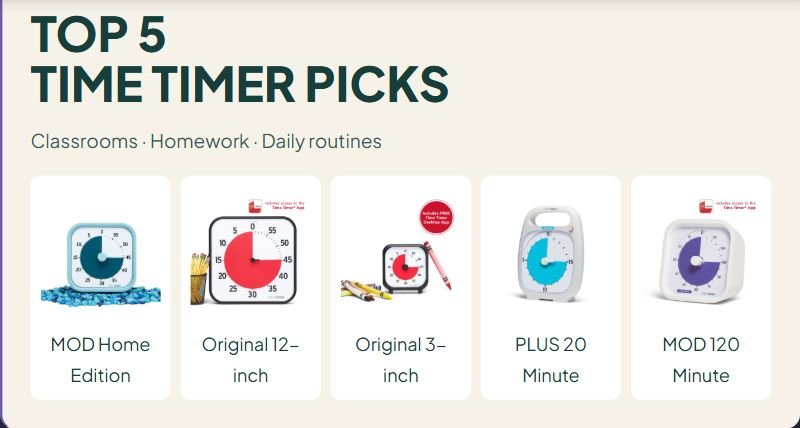
TOP 5
TIME TIMER PICKS
Classrooms · Homework · Daily routines
MOD Home Edition
Original 12-inch
Original 3-inch

PLUS 20 Minute
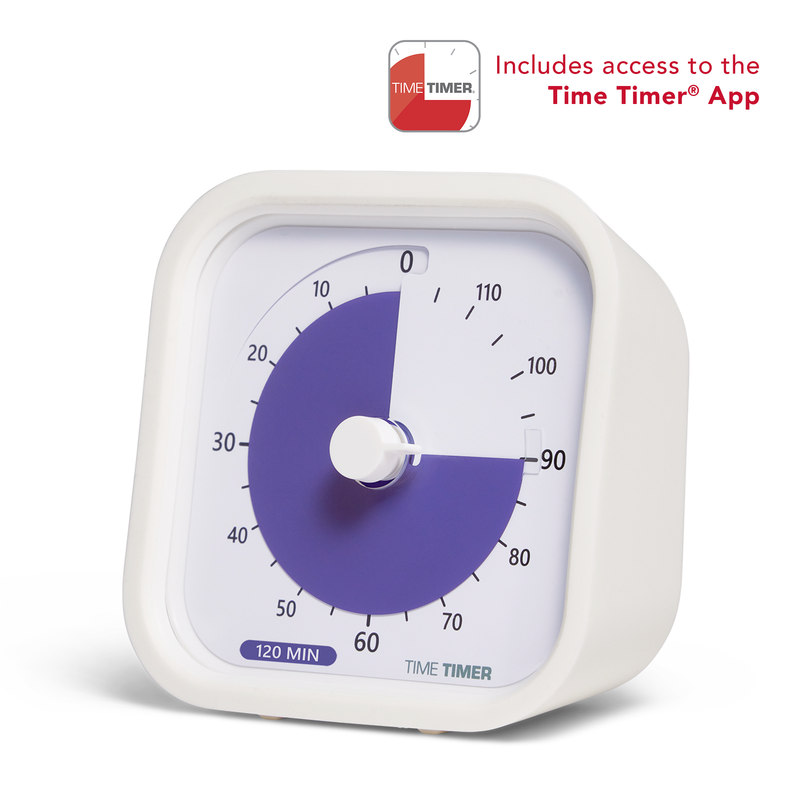
MOD 120 Minute
Affiliate disclosure: As an Amazon Associate I earn from qualifying purchases. If you buy through our links, we may receive a commission at no additional cost to you.
Choosing a visual timer for a classroom starts with three questions: Who needs to see it? How long is the activity? And what should happen when time runs out? A small desk timer can work for homework, while a whole-class lesson needs a display students can actually see.
This guide compares 5 Time Timer visual timers for classrooms, homework, small groups, and daily routines. The recommendations are organized by use case, so you can choose a practical tool without paying for features you will not use.
How we researched: This is a research-based buying guide, not a hands-on product test. We compared manufacturer specifications, instructions, and available retailer listings. “Best for” labels reflect our assessment of features for a particular situation, not measured learning outcomes. This guide compares models from Time Timer only; it is not a ranking of all timer brands. Check the exact model, included accessories, seller, and current availability before ordering.
Visual timers at a glance
| Model | Consider it for | Display or range | Main trade-off |
|---|---|---|---|
| Time Timer MOD Home Edition | Homework desks | 60-minute disappearing disk | Protective case sold separately |
| Time Timer Original 12-inch | Whole-class visibility | Large 60-minute disk | Needs more display space |
| Time Timer Original 3-inch | Individual work and travel | Pocket-sized visual countdown | Too small for whole-class viewing |
| Time Timer PLUS 20 Minute | Short work blocks | 20-minute disk; pause control | Cannot cover a full class period |
| Time Timer MOD 120 Minute | Longer independent tasks | Two-hour disk | Short intervals use a small part of the face |
5 Time Timer visual timers to compare
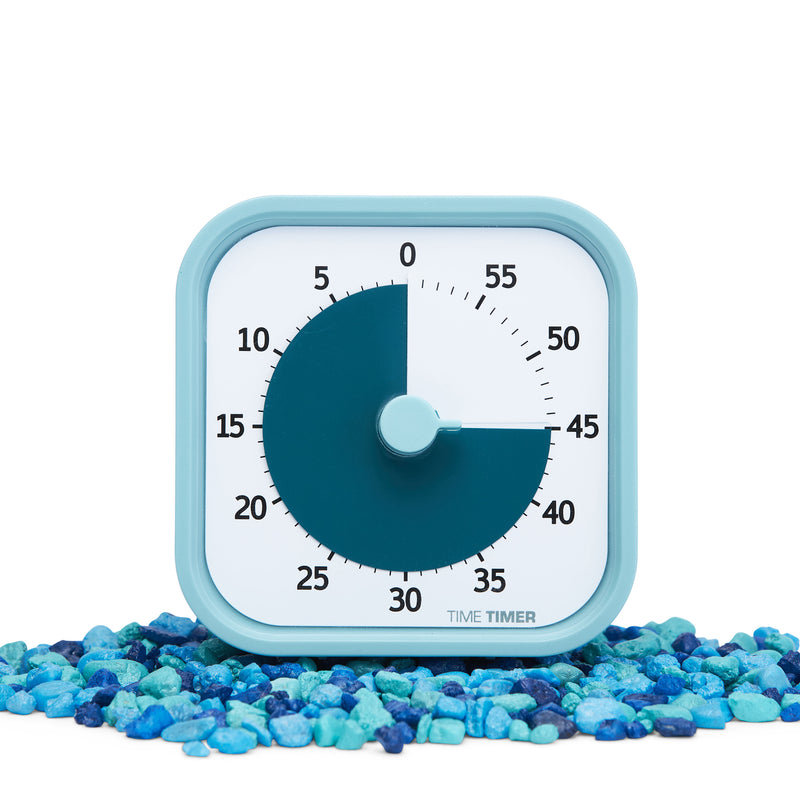
1. Time Timer MOD Home Edition: a straightforward homework option
The MOD Home Edition gives one learner a 60-minute disappearing-disk display. Its quiet operation and optional end alert make it worth considering when a ticking kitchen timer would be distracting. The Home Edition does not include the silicone case supplied with some Education Edition models.
What stands out: A simple visual countdown for a desk or homework area, without a screen full of settings.
Consider before buying: Add the cost of a separate case if you want one. A desk-sized face is not a substitute for a larger classroom display.
Practical use: Set a manageable reading interval and agree in advance what happens afterward. The goal is a predictable routine, not a race.
Manufacturer details: MOD Home Edition
Check MOD Home Edition on Amazon.com →
Check the exact version, seller, accessories, and current price on Amazon before purchasing.
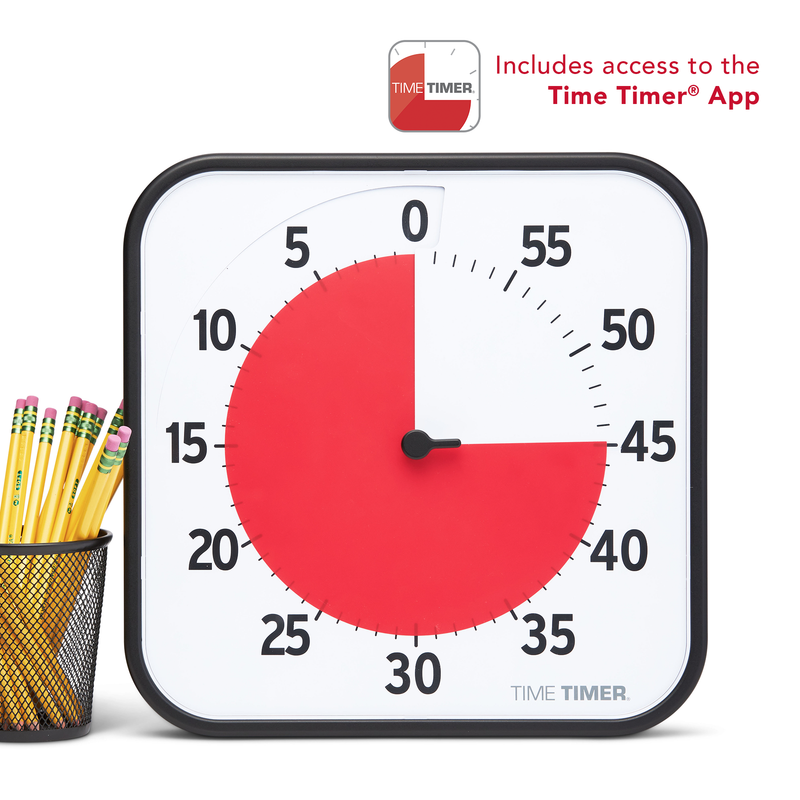
2. Time Timer Original 12-inch: a larger whole-class display
The Original 12-inch is the larger 60-minute option in the Original family. Its face takes up more space, which is precisely the reason to consider it for students viewing a timer from farther away. The current model offers magnetic, standing, and wall-display options.
What stands out: A larger disappearing disk and an optional end alert.
Consider before buying: Measure the board or shelf first. A larger face helps only when glare, placement, and obstructions are also addressed.
Practical use: Display it near the lesson agenda. Before independent work starts, show the class what finishing, asking for help, or continuing later will look like.
Manufacturer details: Original 12-inch
Check Original 12-inch on Amazon.com →
Check the exact version, seller, accessories, and current price on Amazon before purchasing.
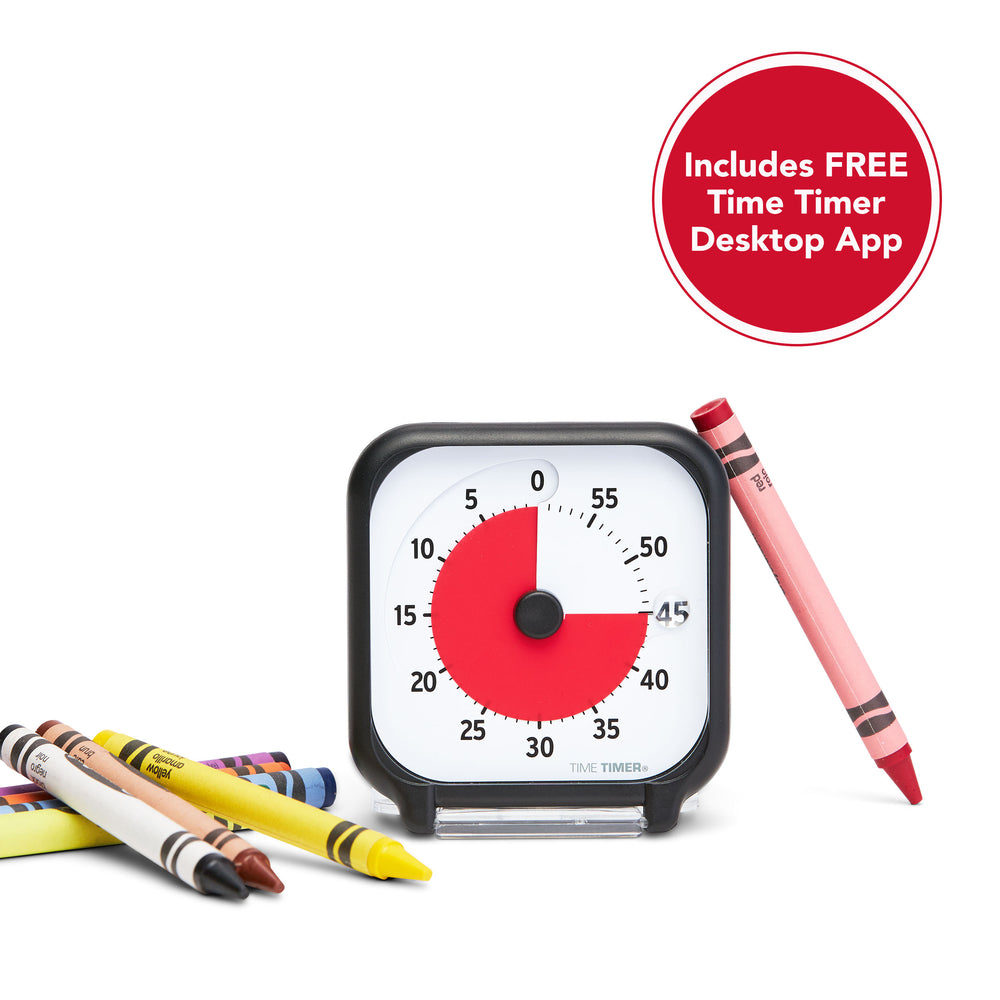
3. Time Timer Original 3-inch: a portable individual timer
The Original 3-inch is intended for personal use and travel. Its small footprint makes it a candidate for an individual desk, a tutoring bag, or a homework space where a larger timer would crowd the materials.
What stands out: Portability and a visual countdown close to the learner.
Consider before buying: The smaller face is a limitation for anyone who needs to view the timer from across a room. Check the exact version’s controls and included activity card.
Practical use: Let the student choose a comfortable position on the desk. If watching the countdown becomes distracting, try moving it to the side rather than directly in front of the work.
Manufacturer details: Original 3-inch
Check Original 3-inch on Amazon.com →
Check the exact version, seller, accessories, and current price on Amazon before purchasing.
4. Time Timer PLUS 20 Minute: for shorter, pausable work blocks
A 20-minute timer represents a short activity across more of the face than a 60-minute timer set to the same interval. The PLUS 20 Minute also has a carrying handle, a pause control, and adjustable alert volume.
What stands out: A short-duration display that can pause when an activity is interrupted.
Consider before buying: Twenty minutes is the maximum. Choose a longer-range model if the same timer must cover a full lesson or a lengthy project.
Practical use: Try it for a short reading session or a station rotation. Pause when instructions need clarification; timing should support the task, not prevent access to help.
Manufacturer details: PLUS 20 Minute
Check PLUS 20 Minute on Amazon.com →
Check the exact version, seller, accessories, and current price on Amazon before purchasing.
5. Time Timer MOD 120 Minute Education Edition: for longer tasks
This MOD provides a two-hour visual countdown in a desktop format. The manufacturer specifies quiet operation, an optional audible alert, and an included protective silicone case.
What stands out: Longer intervals without switching to a larger classroom unit.
Consider before buying: A two-hour scale is less visually generous for a brief five-minute activity. Check the current retailer listing for availability and included accessories.
Practical use: Use it to make a longer project period visible, while planning separate opportunities to move, check understanding, and take breaks. A long timer setting does not mean a student should work continuously for that duration.
Manufacturer details: MOD 120 Minute
Check MOD 120 Minute on Amazon.com →
Check the exact version, seller, accessories, and current price on Amazon before purchasing.
How to choose a visual timer without buying the wrong one
Choose the display before the color
A disappearing disk shows the amount of time left. A traffic-light timer emphasizes stages, such as working, getting ready, and finishing. A digital countdown provides numbers. Ask which representation the learner understands and prefers. Color is an optional cue, not a complete instruction system.
Match the range to the routine
A five-minute task can occupy only a small slice of a two-hour face. Conversely, a 20-minute model cannot cover a 45-minute class period. List your three most common activities before comparing models. If they are reading, cleanup, and short homework blocks, a longer maximum duration may offer little value.
Check the sound controls
“Silent operation” may describe the countdown mechanism while an end alarm still sounds. Look separately for ticking, alarm volume, and a mute option. Try the alert with the learner before using it in a demanding situation. A flashing or bright light can also be unwanted.
Think about who operates it
Compare knob size, button labels, reach, mounting, and reset steps. A timer that an adult can program easily may still be difficult for a student to use independently. If you need to pause frequently, make that a required feature rather than assuming every model includes it.
Check total cost and the exact listing
Look for required batteries, separately sold cases, mounting accessories, seller information, shipping, and return terms. Different generations can share a similar name. Match the model and features instead of buying solely from a search-result photograph. Current prices are best checked at the retailer.
Watch the on-page timer explainer
Watch a short illustrated example of how to introduce a countdown. The MP4 plays on this page and shows a general routine, not a specific product operating in real time.
A simple routine to try before buying more equipment
- Name the activity. Say or show what the interval is for.
- Choose a manageable duration together. Start with something achievable.
- Explain the ending. State whether the next step is a break, cleanup, another activity, or checking in.
- Show the timer. Let the student see or help set it where practical.
- Check what happened. Did the display clarify the routine, distract from it, or create pressure? Adjust the approach.
Example: “We will read together while the timer runs. When it ends, we will stop at a comfortable place and choose our next activity.” Treat the countdown as information. If a learner finds it stressful, shorten the interval, remove the alert, use a visual schedule instead, or stop using the timer.
For the teaching routine around the tool, explore our IEP and special education guides and practical classroom-focus strategies. For visual supports and printable teaching materials, browse Walid’s visual resources on Berchid.
Visual timer questions
What is the difference between a visual timer and a digital timer?
A visual timer represents time through a changing picture, disk, or light. A digital timer primarily displays numbers. Some products combine the two. Choose the representation that makes the activity easier to understand.
Which visual timer is best for a classroom?
For a group viewing from a distance, consider the Original 12-inch. For an individual desk, compare the MOD Home Edition and Original 3-inch. Visibility, the activity, and student preferences matter more than one universal winner.
Is a 60-minute timer suitable for short activities?
It can be, but very short intervals appear as a small segment. Compare a shorter-duration face when most of your activities last 20 minutes or less.
Can a visual timer help a student who has difficulty with transitions?
It can make the planned timing visible, but the student’s response is the deciding factor. Explain the next activity and offer needed support. A product label does not establish that a tool is an appropriate accommodation for a particular student.
Do I need to buy a dedicated timer?
No. An existing classroom display, an appropriate app, or a simple picture schedule may meet the need. Consider whether a physical timer adds visibility, portability, accessible controls, or a useful way to avoid using a phone.
Why are there several models from the same brand?
These models differ in display size, duration, mounting, or pause controls. We included them to make those trade-offs clear, not to suggest that one brand is the only option. Compare the features against alternatives available to you.
Choose one routine first
For individual homework, begin with a simple desk timer. For a shared lesson, prioritize a face the group can see. For short work blocks, consider the PLUS 20 Minute. You do not need five timers: choose one that matches a real routine, then decide whether it makes that routine clearer.





Leave a Comment